
Best Desk Accessories for a Home Office
The desk accessories that genuinely improve a workday — and the ones that are just decoration. A short, honest list of what earns its place.
Some links on WellPicked may be affiliate links. We may earn a small commission if you make a purchase through them, at no extra cost to you.
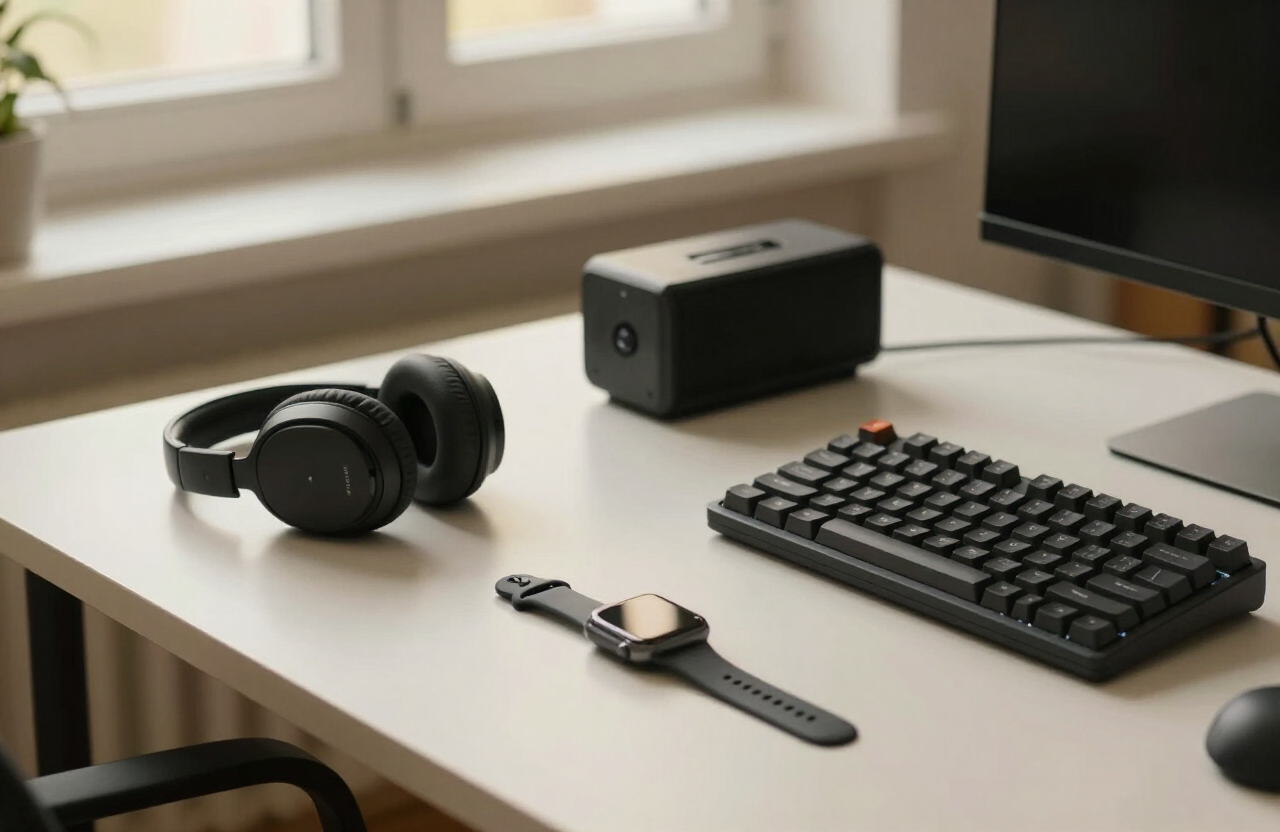
Build a practical setup, not a photogenic one
A good home-office desk is built around how you actually work, not how it photographs. The most useful accessories solve a real daily friction — a screen at the wrong height, cables that tangle, a mouse that cramps your hand — rather than adding matching objects that look tidy for a week and then get in the way. Start with the few things that touch your body and your devices, add only what your routine genuinely needs, and skip the rest. A smaller, considered setup almost always works better than a crowded one.
Comfort before aesthetics
A desk setup should serve your body first and your camera second. The single highest-impact upgrade for most people is raising the laptop screen to eye level with a stand, paired with an external keyboard and mouse. It addresses the forward-head posture that contributes to desk neck discomfort, for a modest cost.
Light is a productivity tool
Eye strain is usually a lighting problem before it is a screen problem. A bias light or desk lamp behind the monitor, plus screen brightness matched to the room, does more for comfort than any software setting. A good lamp outperforms software every time.
What to prioritize before buying
Before adding anything to your desk, weigh five things in order. Comfort comes first — the items that touch your body (chair, keyboard, mouse, screen height) matter more than anything decorative. Available desk space comes next, because a deep desk mat or a second stand is useless if it leaves no room to work; measure your surface first. Compatibility matters for anything that plugs in — a USB-C hub, a keyboard, or a monitor stand only helps if it matches your specific devices. Cable management is worth solving early, since a single under-desk tray prevents the tangle that every later addition makes worse. Finally, set a realistic budget and spend it on the things you use every day rather than on matching sets that look good in photos.
A simple checklist before you buy
Run through this before any purchase. Measure your desk depth and width, and confirm the accessory actually fits. Check device compatibility — laptop size, port type (USB-C, USB-A, HDMI), and operating system. Decide whether the item solves a problem you have daily or only occasionally. Read verified reviews for real-world notes on durability, comfort, and noise rather than marketing claims. Confirm the return policy so you can send it back if it does not fit your space or routine. And check the current price and availability on the listing, since both can change.
Match your existing equipment
Every accessory here only earns its place if it fits what you already own and the space you already have. A monitor stand is pointless without an external monitor; a USB-C hub only helps a laptop with the right port; a desk mat needs a desk deep enough to hold it. Read each recommendation against your own setup honestly — a brilliant pick for someone else is still clutter if it does not match your equipment and workspace.
Our picks
Based on our research, these are the options we would look at first for this purchase — with the trade-offs stated plainly. How we choose our picks.
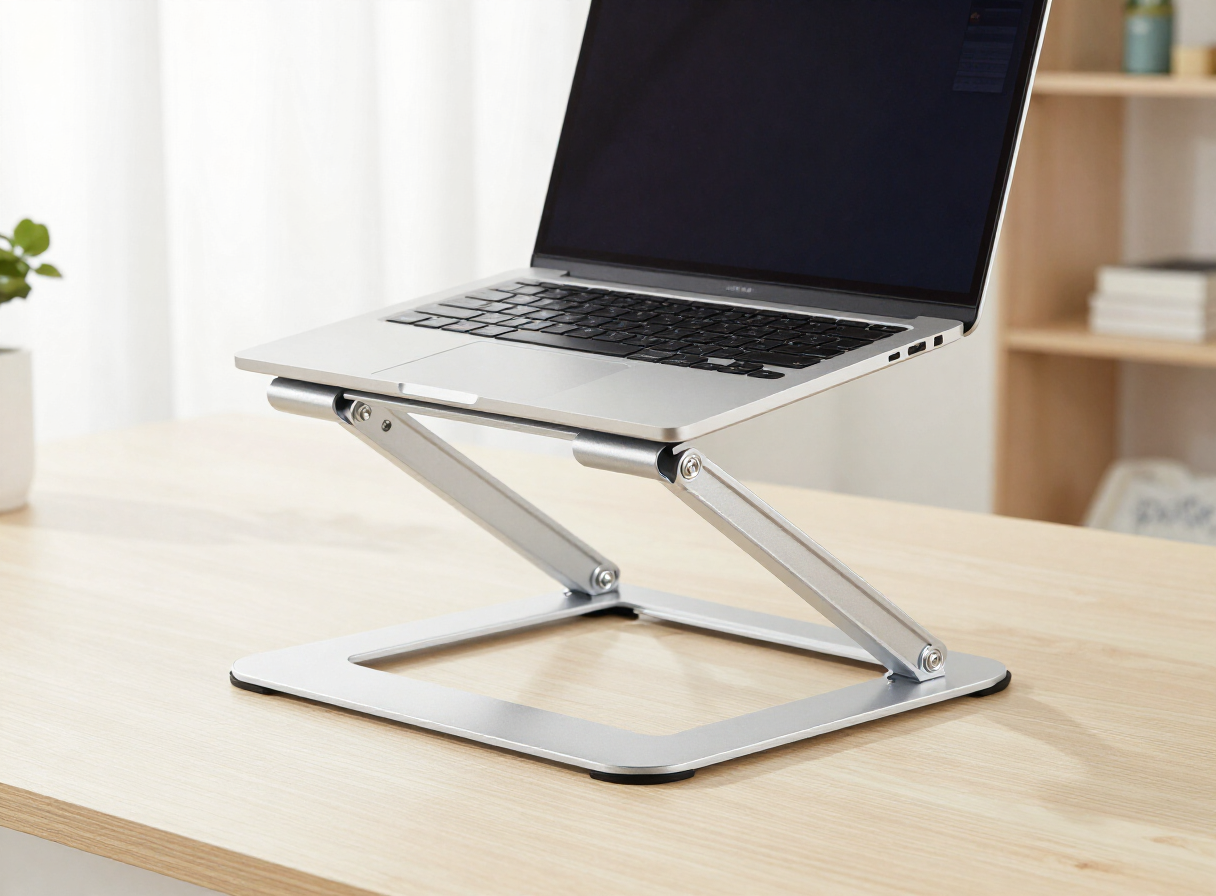
Adjustable Aluminum Laptop Stand
Why we like it
The single highest-impact purchase for a laptop workstation — raises the screen to eye level and folds flat for travel.
Best for
Anyone working on a laptop for more than an hour a day.
What to know
It needs an external keyboard and mouse to actually fix your posture.
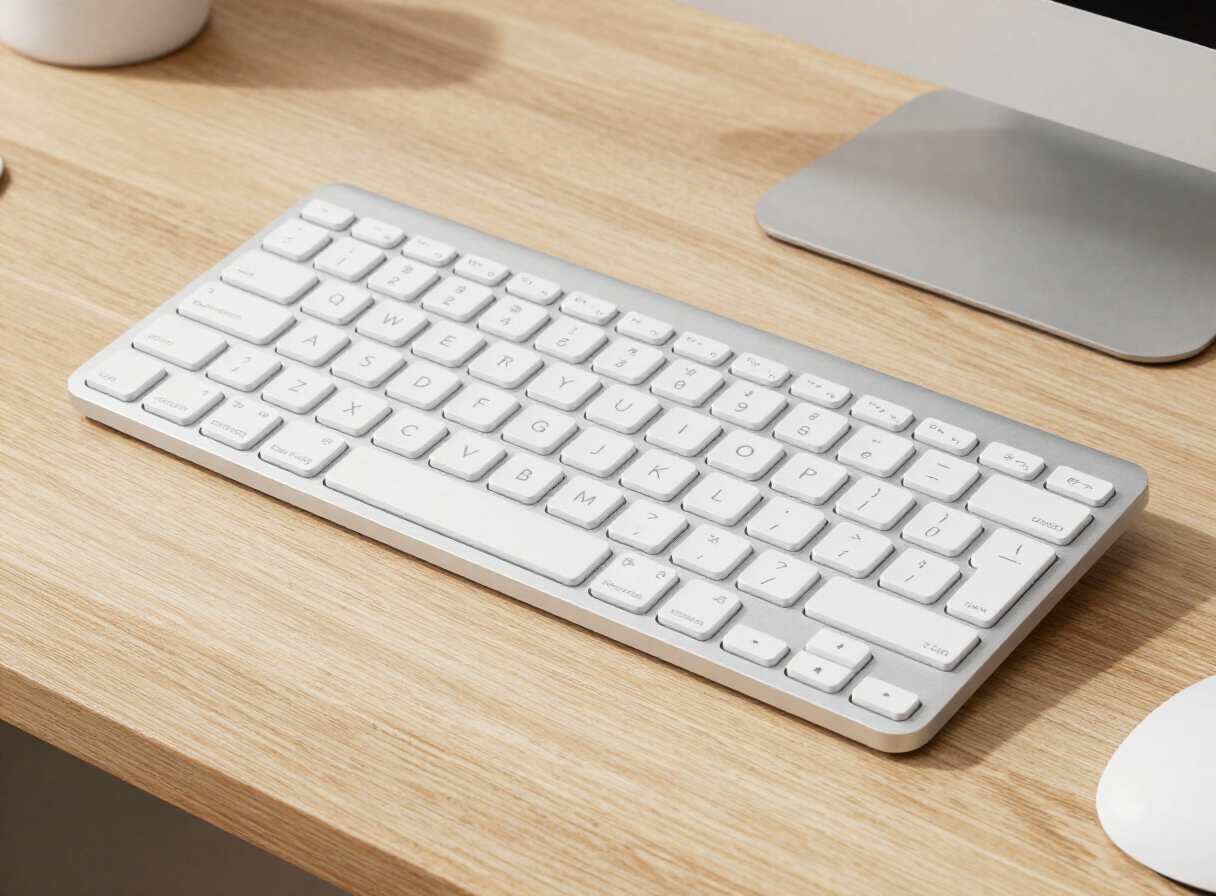
Low-Profile Wireless Keyboard
Why we like it
Keeps wrists neutral once the laptop is raised, and multi-device switching is genuinely useful when you juggle a phone and a laptop.
Best for
Multi-device workers and anyone who values quiet typing.
What to know
Key travel is shallow — heavy typists may prefer a mechanical keyboard.
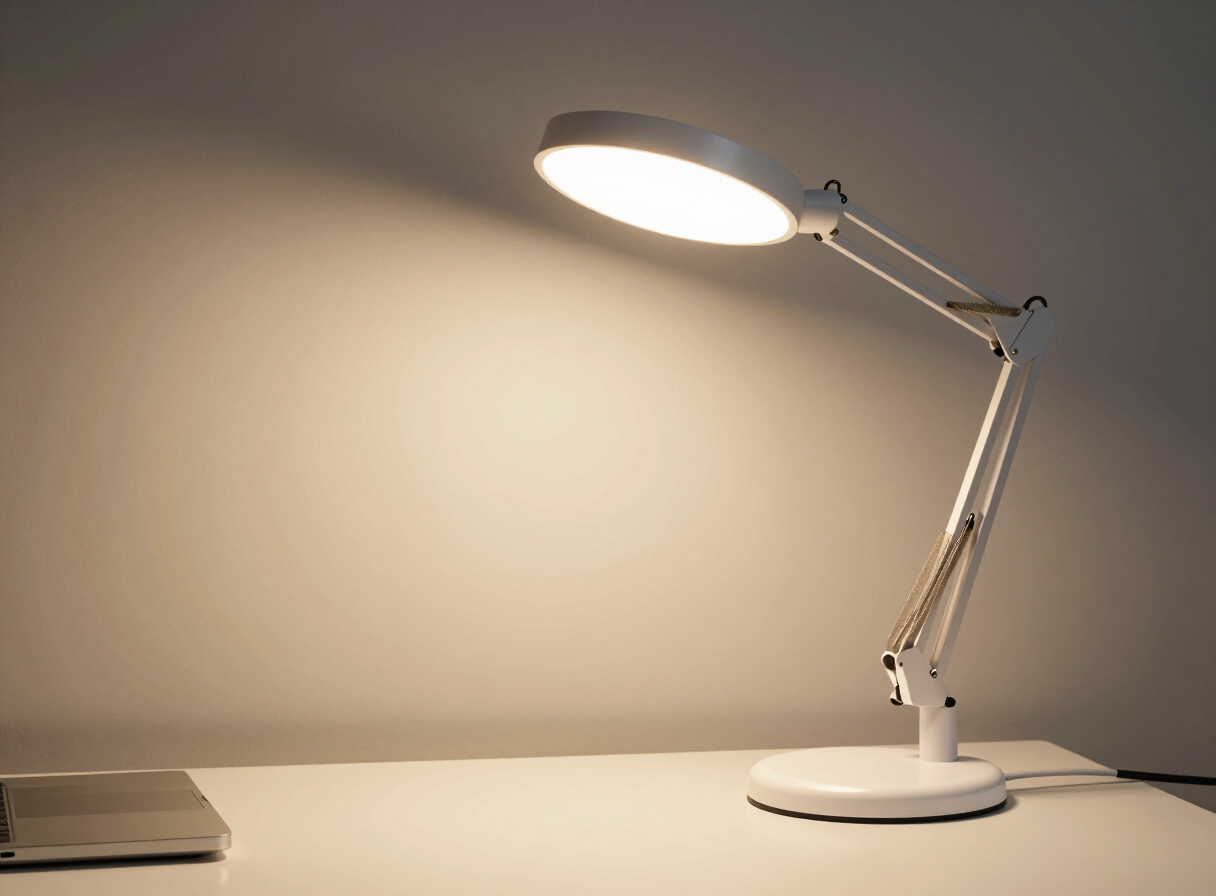
Dimmable LED Desk Lamp
Why we like it
A bias light behind the monitor reduces evening eye strain more than any software setting, and a warm-to-cool range suits day and night.
Best for
Evening workers and dim home offices.
What to know
Cheaper units can flicker at low brightness — read reviews carefully.
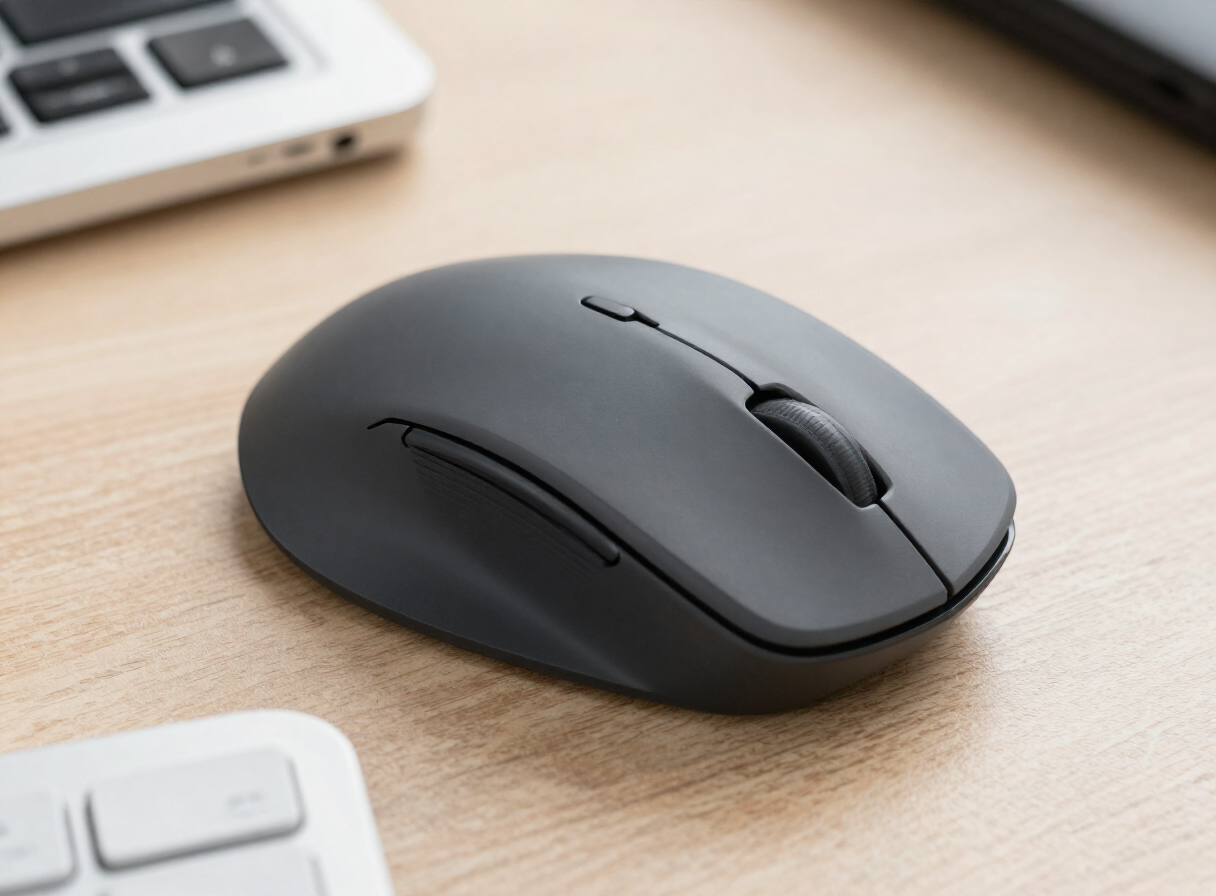
Ergonomic Wireless Mouse
Why we like it
A shaped, ergonomic mouse keeps your hand in a more natural position over long sessions and reduces the wrist strain a flat laptop trackpad builds up over a full workday. Wireless means one fewer cable on the desk.
Best for
Anyone who uses a mouse for several hours a day, especially laptop users who otherwise rely on a trackpad.
What to know
Check the connectivity your laptop supports (Bluetooth or a USB receiver) and the hand size the mouse is shaped for before buying.
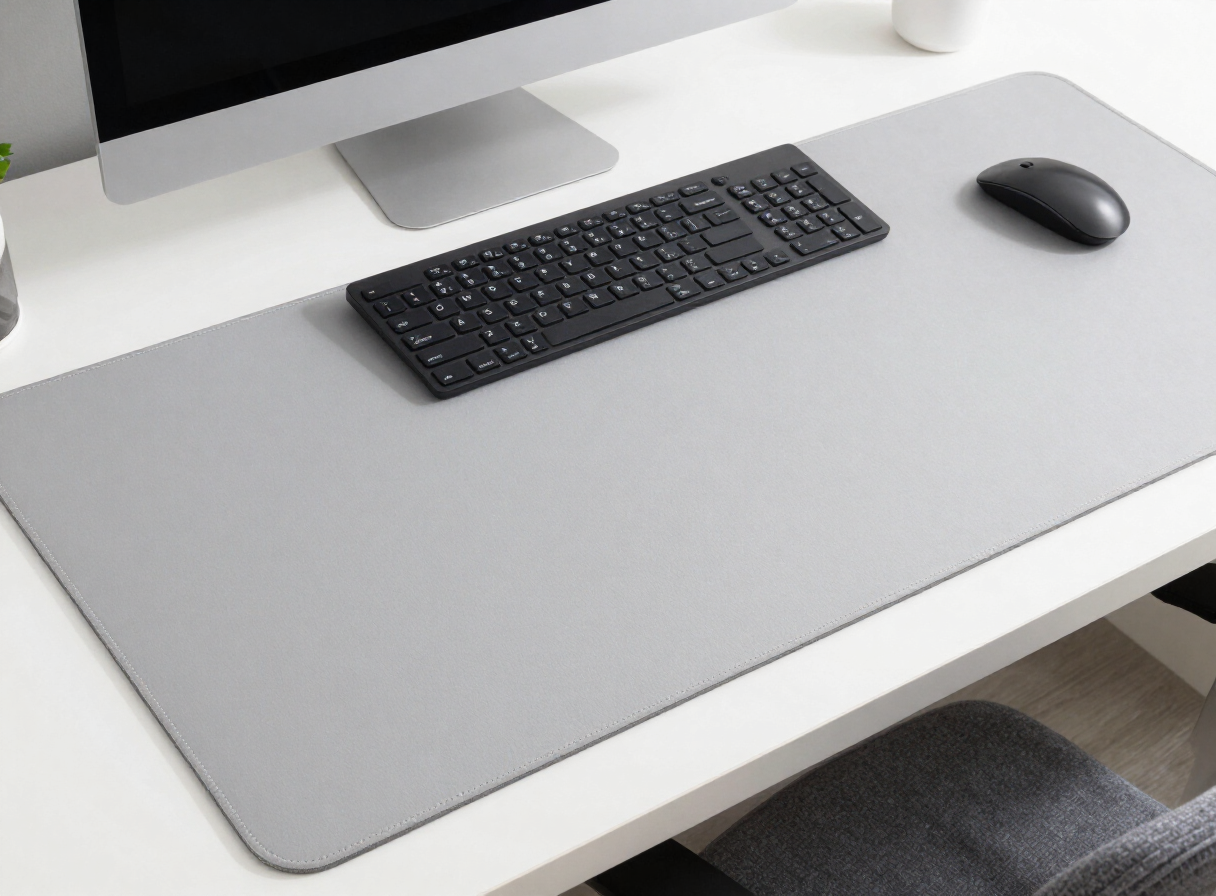
Extended Desk Mat
Why we like it
A large desk mat gives the mouse a consistent surface, protects the desk from scratches, and visually pulls a cluttered setup together into one calm work surface. It also cushions your wrists while typing.
Best for
Anyone whose desk surface is uneven, easily scratched, or too small for a separate mouse pad and keyboard.
What to know
Measure your desk first — an extended mat should leave room for monitors and still fit within the edges.
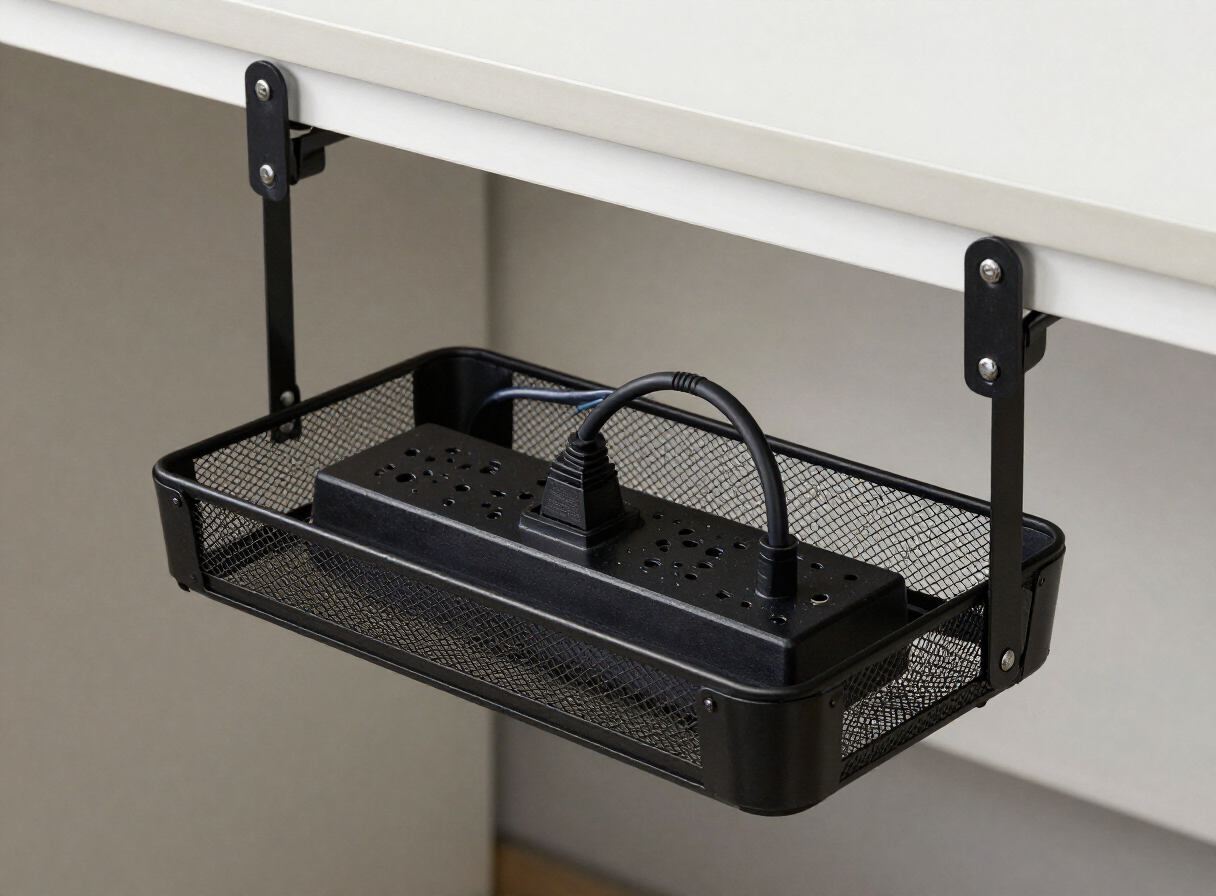
Under-Desk Cable Management Tray
Why we like it
A tray mounted under the desk lifts power strips and cable runs off the floor and out of sight, turning a tangled mess into something you never have to think about. It also keeps cables from being kicked or snagged.
Best for
Desks with multiple devices, power strips, and charging cables underneath.
What to know
Check the clearance under your desk and the tray dimensions, and confirm it mounts to your desk thickness.
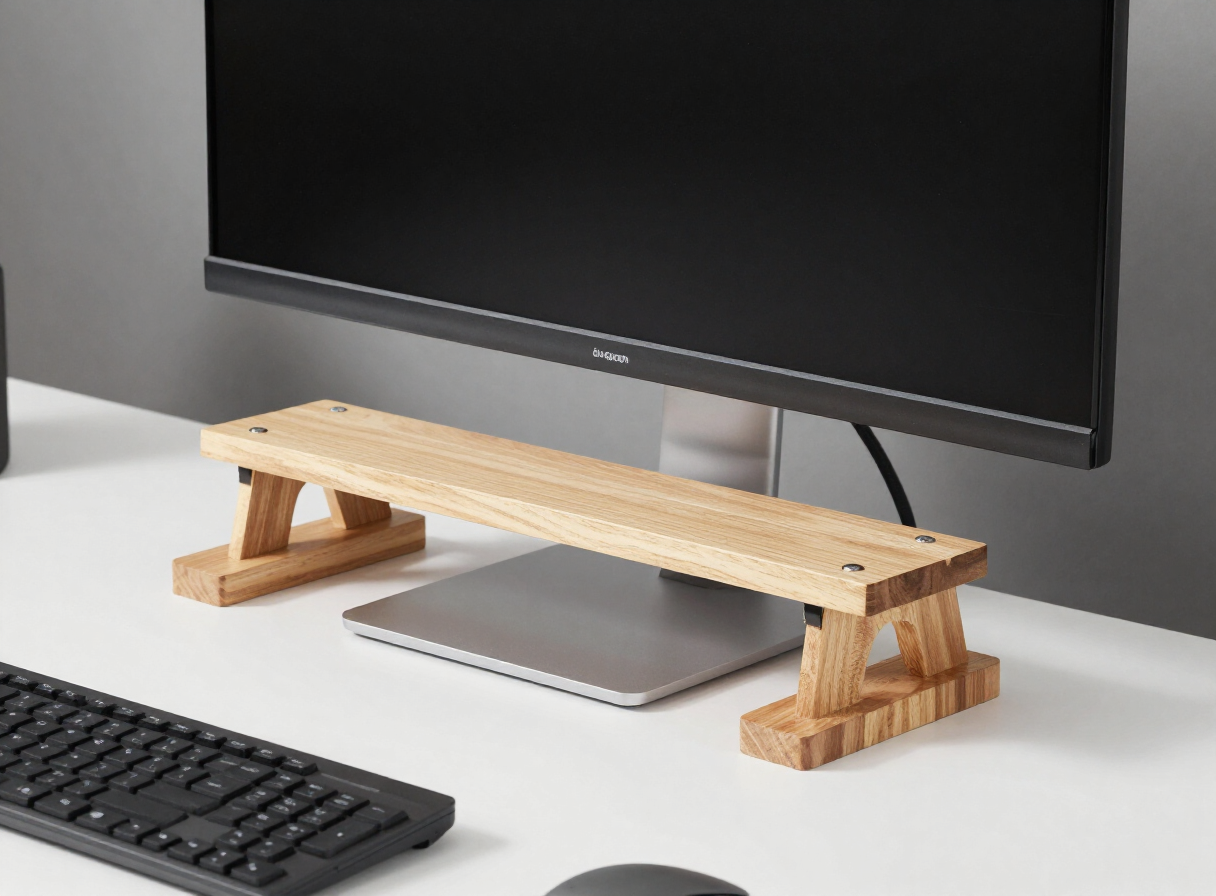
Adjustable Monitor Stand
Why we like it
Raising an external monitor to eye level keeps your head level and reduces the neck strain that comes from looking down at a screen all day. Height-adjustable stands let you set the exact position for your setup.
Best for
Anyone working with an external monitor for most of the day.
What to know
Check the stand’s weight capacity against your monitor and measure your monitor’s base so it sits safely on the stand.
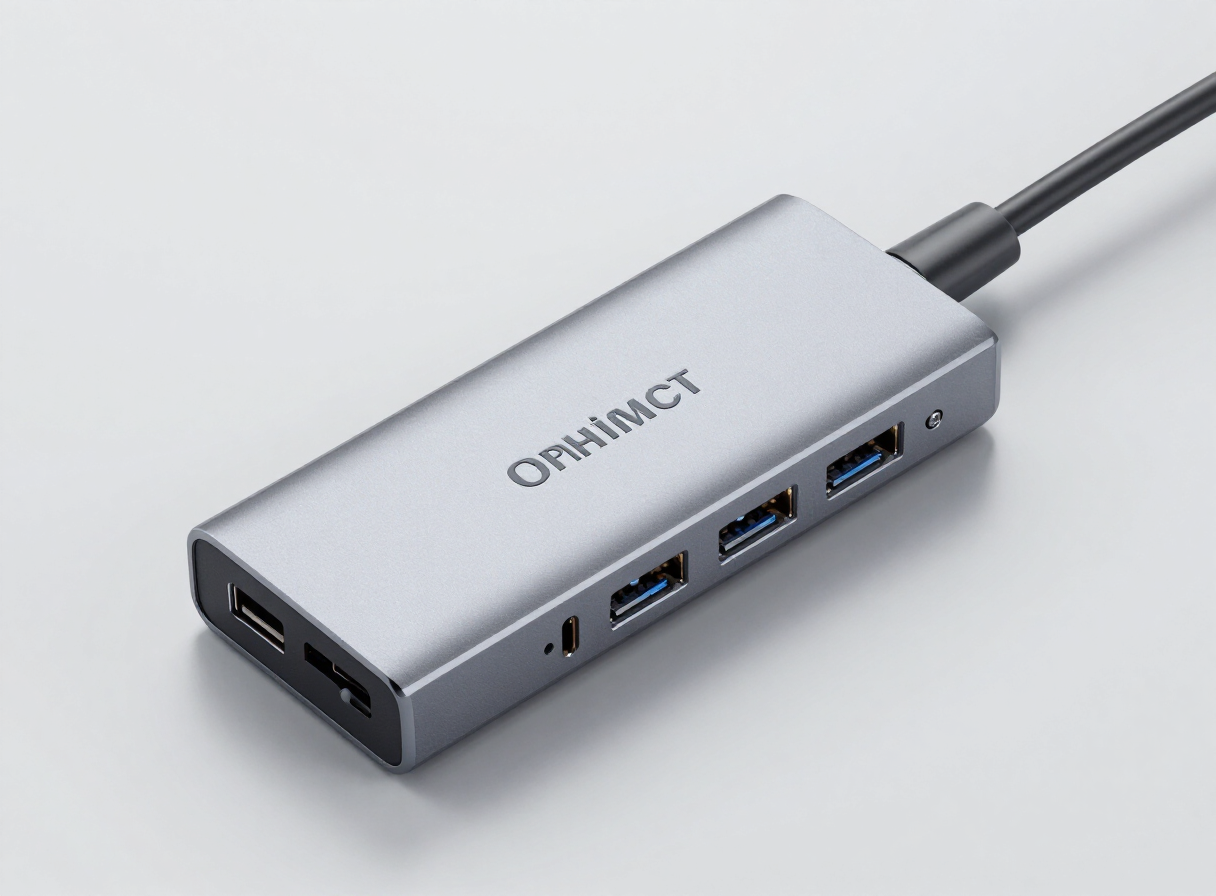
Compact USB-C Hub
Why we like it
A small hub turns a single laptop port into several — adding connections for an external display, extra USB devices, and an SD card reader without carrying a tangle of adapters. It is the simplest way to expand a thin laptop into a full workstation.
Best for
Laptop users whose device has only a few ports and who regularly connect peripherals or an external display.
What to know
Ports and compatibility vary by laptop — confirm which ports your specific laptop needs (HDMI, USB-A, Ethernet, SD) before buying.
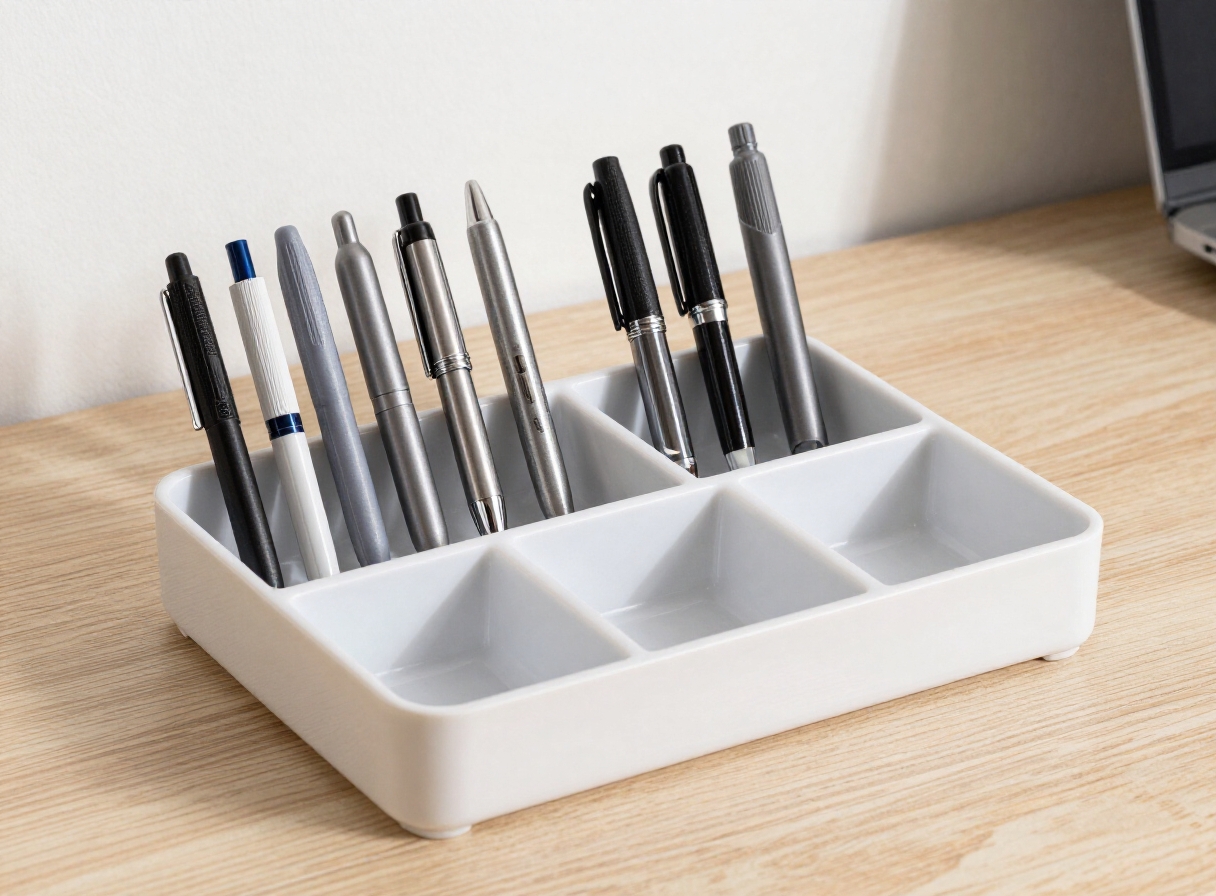
Desk Organizer Tray
Why we like it
A tray keeps pens, sticky notes, cables, and small office essentials in one defined place instead of scattered across the surface. It turns a cluttered desk into something you can find things on in seconds.
Best for
Desks that accumulate loose stationery, chargers, and small accessories.
What to know
Pick a size and compartment layout that matches what you actually need to store, and check it fits your desk without crowding it.

Noise-Reducing Headset
Why we like it
A headset with a decent microphone and noise reduction makes calls clearer for everyone and helps you focus in a shared or noisy space. Far better than a laptop’s built-in mic and speakers for meetings.
Best for
Anyone on regular video calls or working in a space that is not always quiet.
What to know
Check connectivity (USB or Bluetooth), comfort for long meetings, and whether the microphone is adjustable or fixed.
Some links on WellPicked may be affiliate links, which means we may earn a small commission if you make a purchase through them, at no additional cost to you. Prices and availability are shown on Amazon — check the listing for current details before you buy.